
Our GSPro Golf Simulation Software
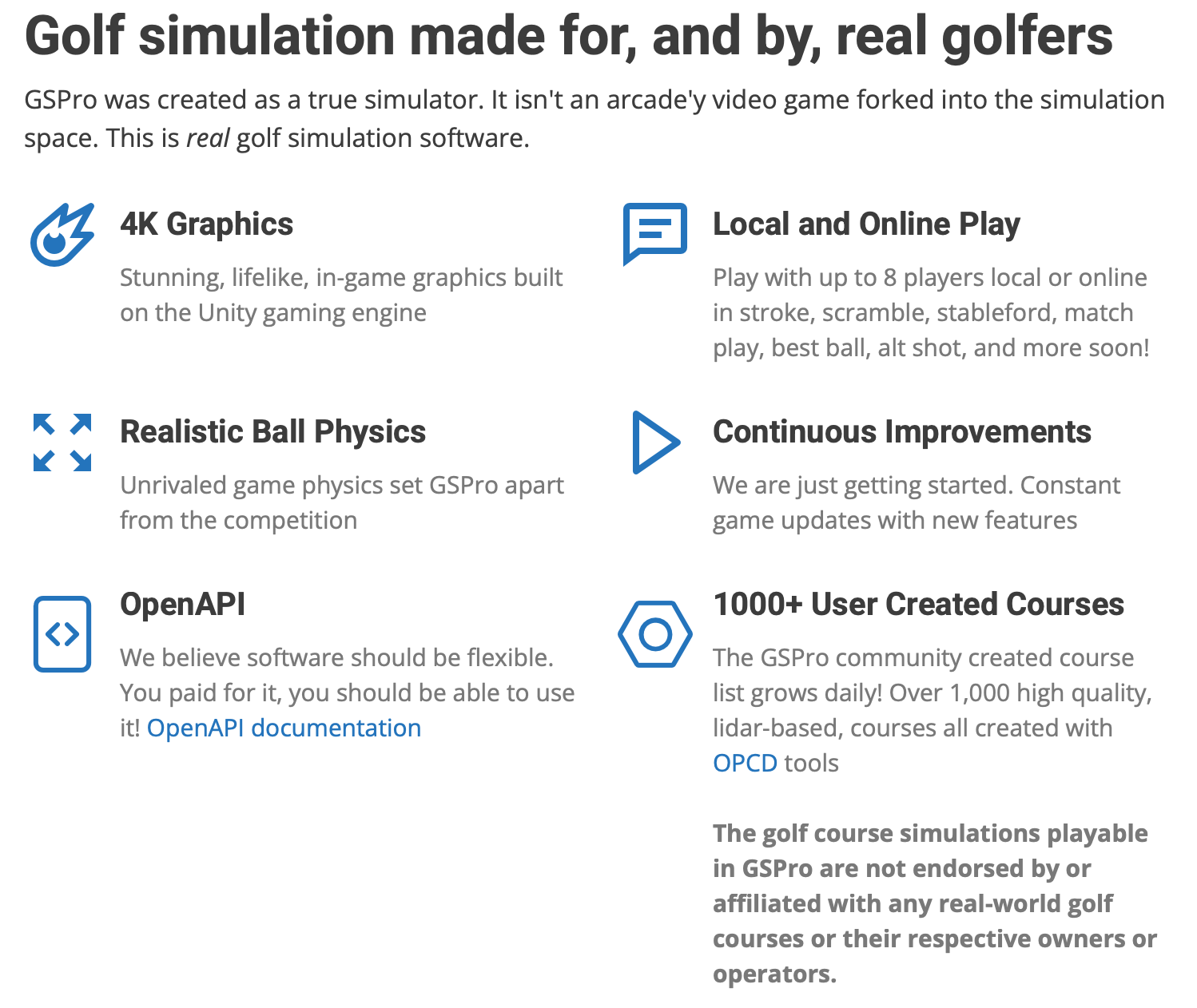
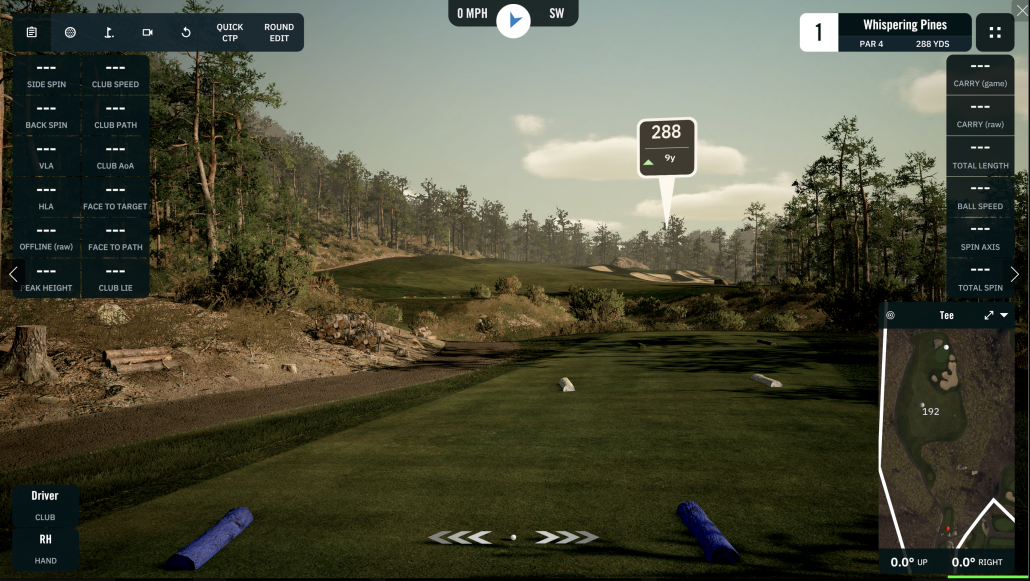
Cottage Street Golf is excited to offer GSPro as our primary simulation software. GSPro is one of the newest simulation software packages on the market, but is rapidly becoming known as one of the best and most realistic.
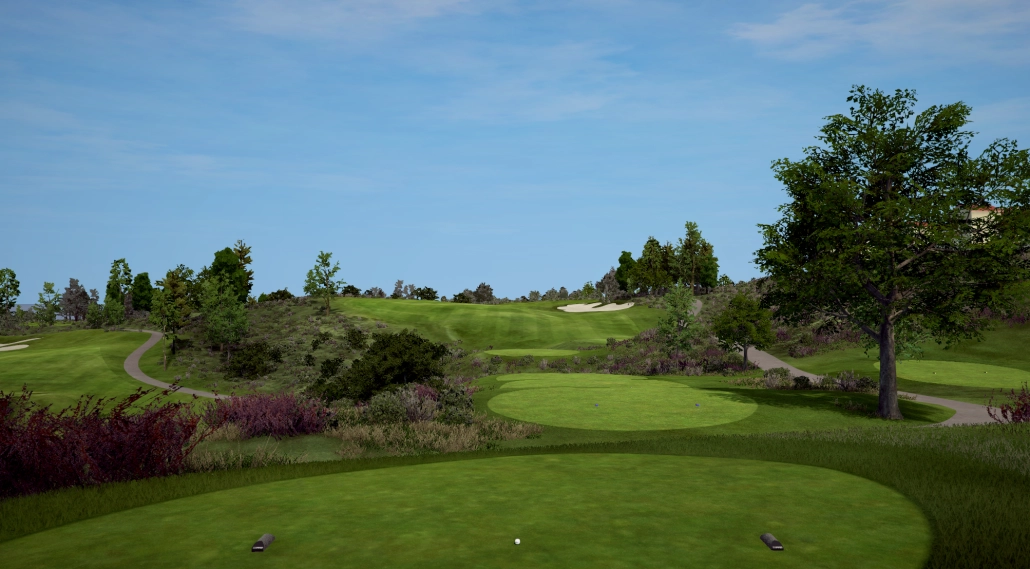
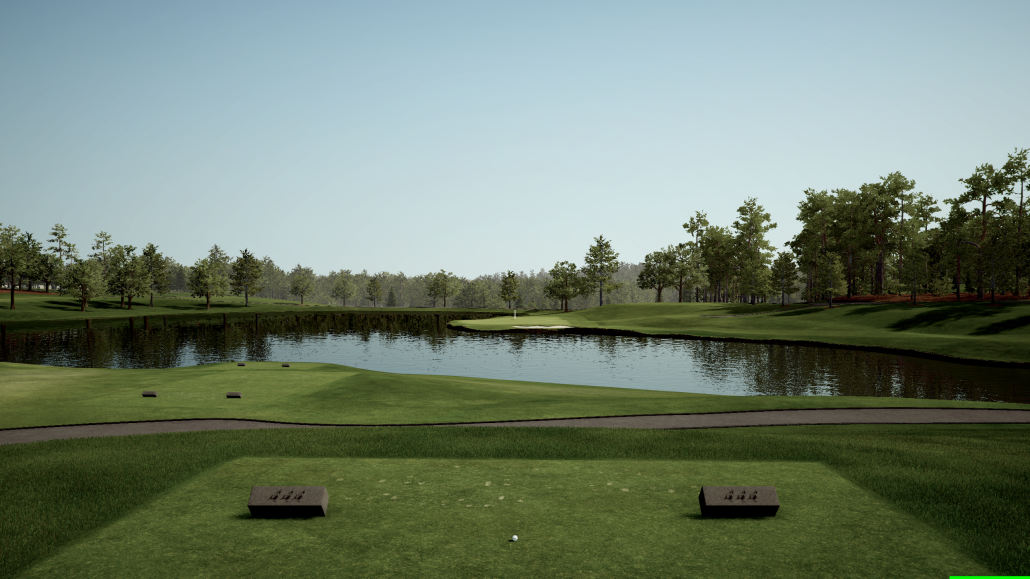
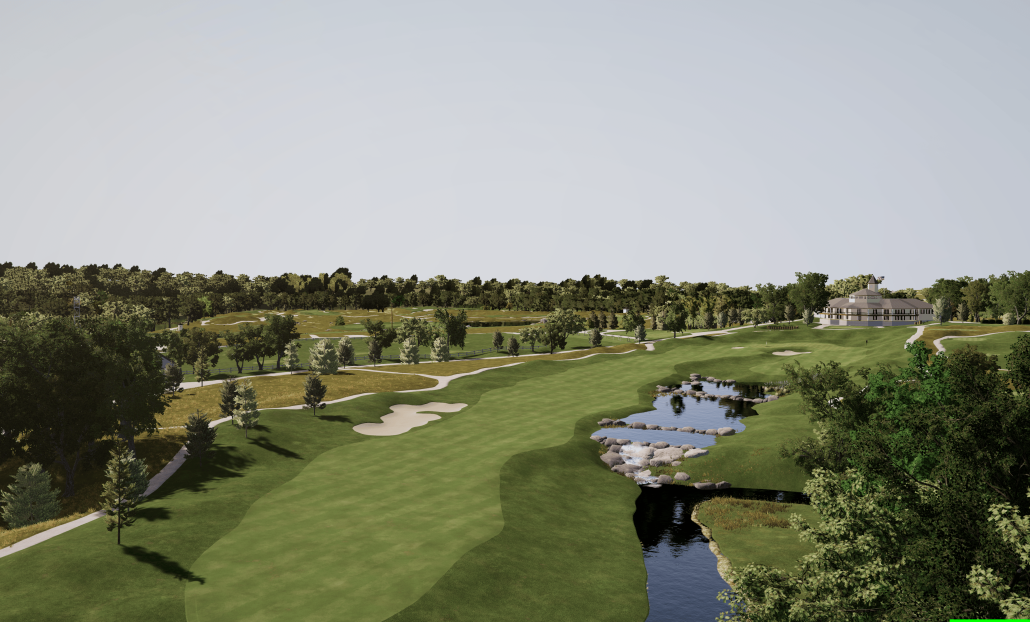
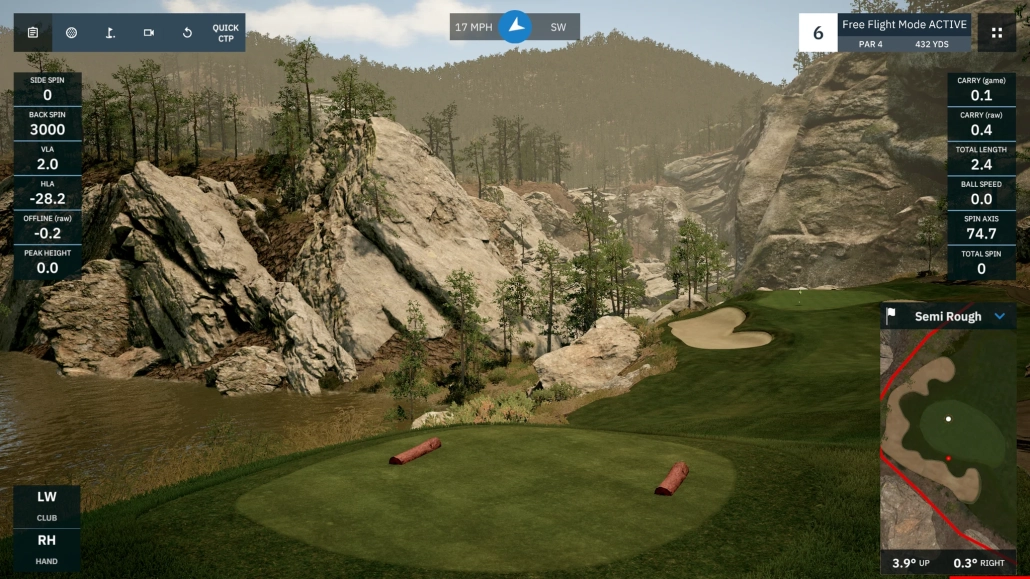
GSPro is an incredibly realistic simulator software known for its high end 4K graphics, authentic ball physics, and a large library of user created courses with nearly 2000 available as of late 2025. The courses on GSPro are all community built, which means more courses are added all the time, and as a user you have access to all of them. Click the button below to search the database of known courses, which you can also search by state.
If you see a course you want to play, let us know before your appointment so we can download it for you if we haven’t already.

Courses
Yes, the famous courses are there (or are being built). Yes, you can play Augusta. Yes you can play Pebble Beach. Yes you can play dozens and dozens of other courses. Most are re-creations of real life courses from around the country and world.
- Par 3 Courses – Par 3 tee-boxes are available on all courses.
- Multiple Tee Boxes – Choose different lengths for individual players and still play together.
- Junior tees – You can choose the par 3 tee’s or slightly longer tee’s for whatever skill level or distance you want to play. Adults and kids can play together on the same hole from different tee boxes.
- Almost 2000 courses and growing – see this page on the SGT site for a list of courses and some details.
- All courses have a practice mode where you can go to any hole and place the ball where you want to practice from.
Putting
Putting works great with the ProTee VX and GSPro; you can putt as you normally do, although it does add quite a bit more time to the game. You also have the option of playing with auto-putt if you wish to just hit your other clubs on the green and let the system auto-putt you from there. We highly recommend using auto-putt the first couple of times playing until you get used to the program.
Driving Range
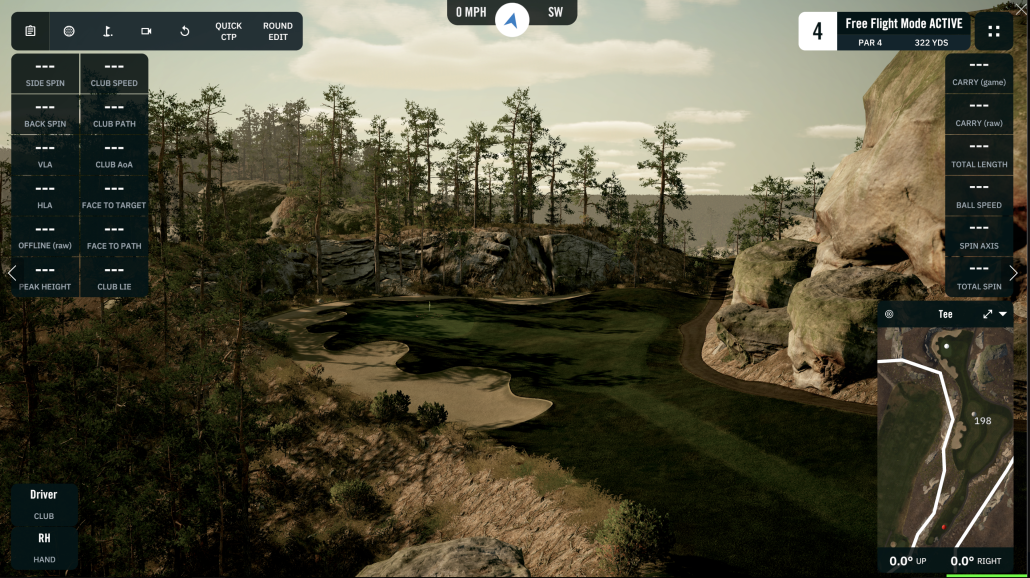
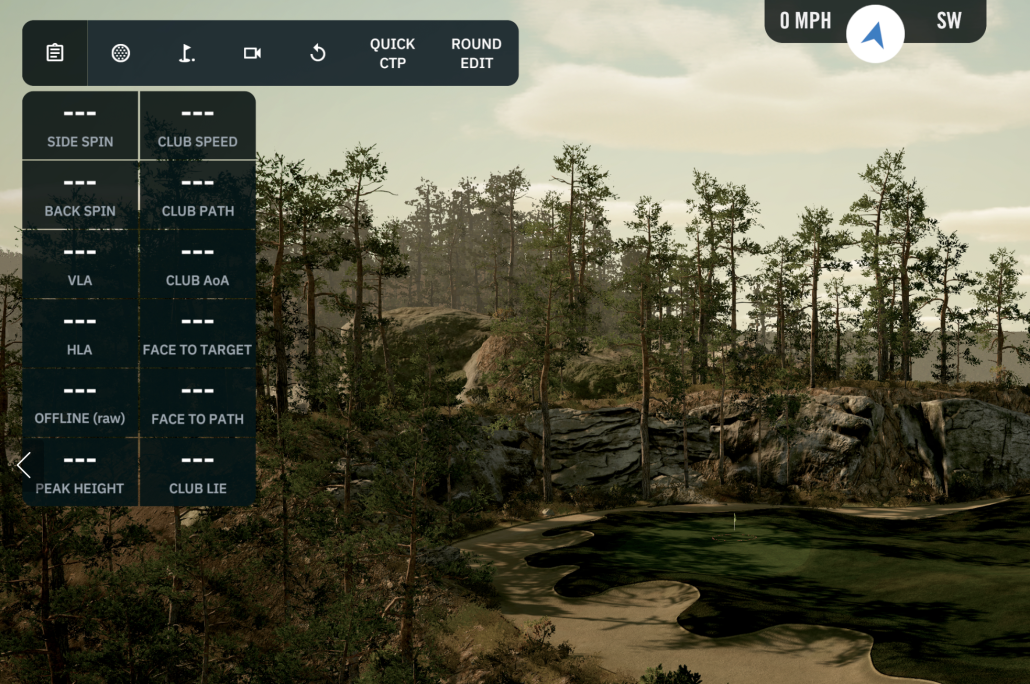
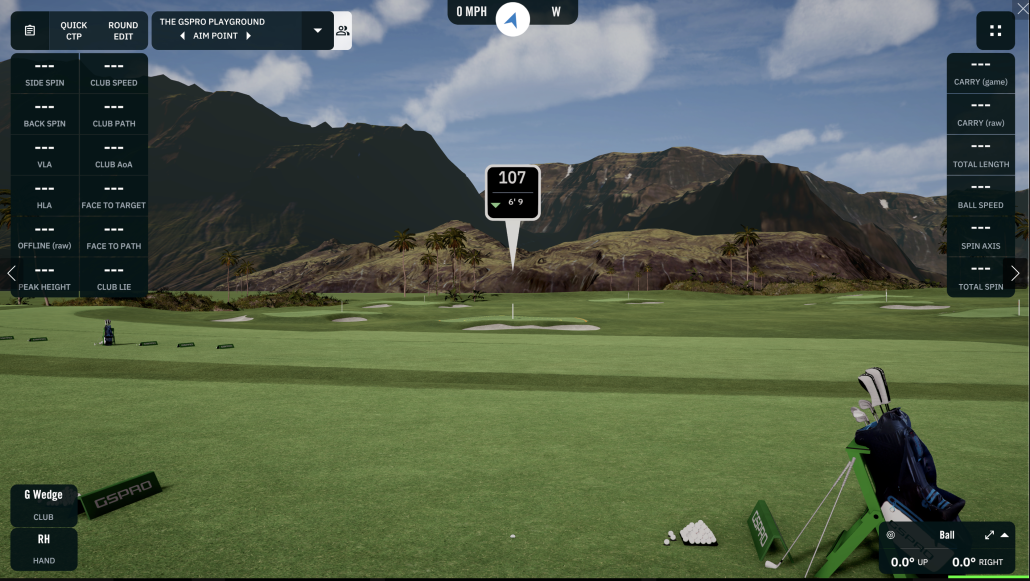
Just want to practice? GSPro has a full featured driving range with tons of shot data and statistics as well as a number of fun games to challenge you.
- Movable target for short shots to full bombs
- Change clubs for club tracking
- Export your sessions to csv file if you wish
- You can also find a driving ranges on most courses.



More Information
GSPro has tons of features and settings that you can take advantage of. If you want to dive deep into GSPro, there are hundreds of videos on YouTube you can watch. Below, are a few videos that will introduce you to the basics, and even some of the more advanced features.
By: Cottage Street Golf
By: Cottage Street Golf
GSPro Beginners Guide, Part 1: From Setup to Practice & Play
By: The Friendly Golfer
GSPro Beginner’s Guide Part II – Settings, Challenges, Online Play!!!
By: The Friendly Golfer
By: The Friendly Golfer
Putting
Putting works great with the ProTee VX and GSPro; you can putt as you normally do, although it does add quite a bit more time to the game. You also have the option of playing with auto-putt if you wish to just hit your other clubs on the green and let the system auto-putt you from there. We highly recommend using auto-putt the first couple of times playing until you get used to the program.